
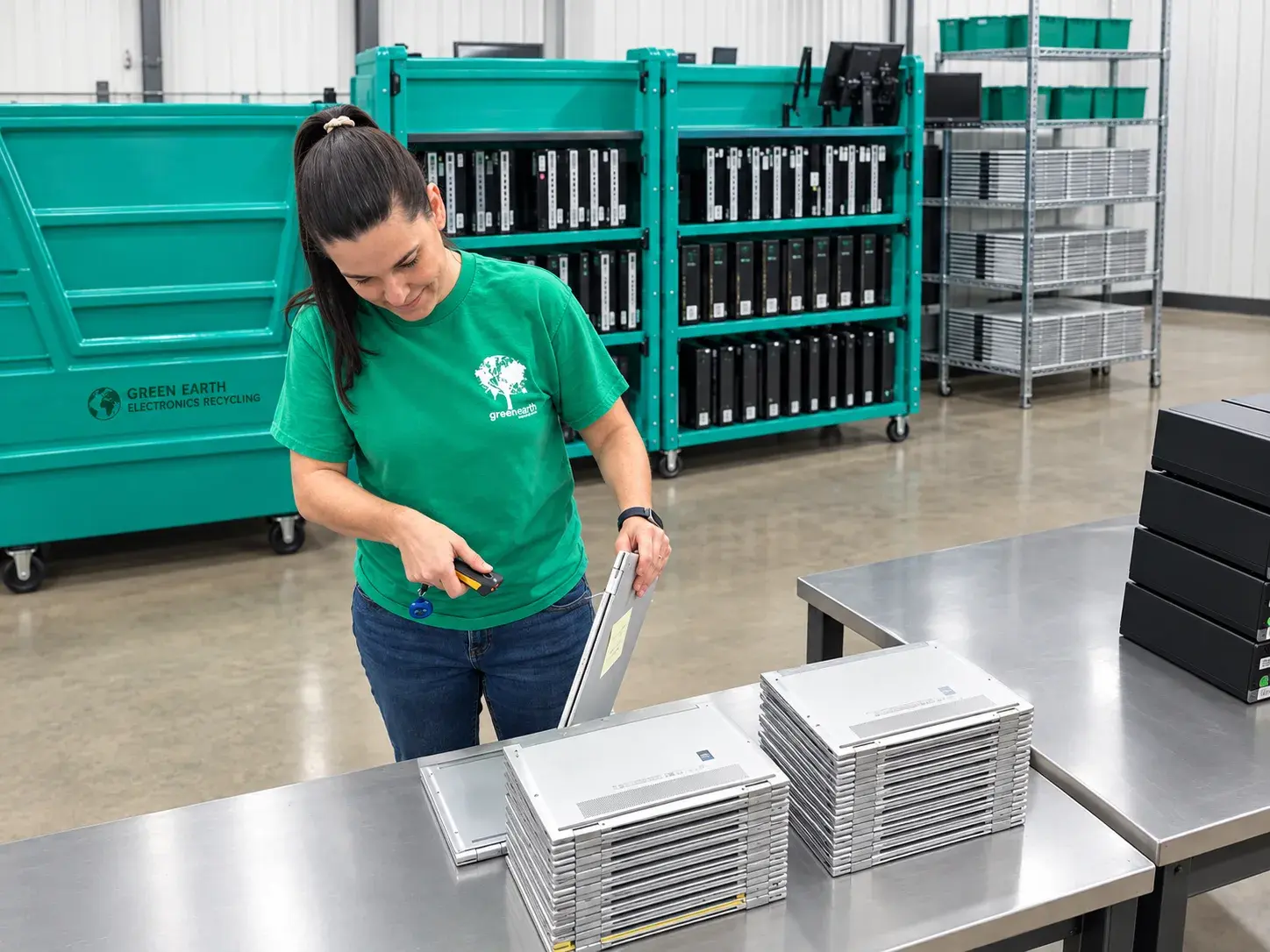
IT Asset Disposal Labels: Simple, Secure Controls For Your End-of-Life IT Assets
Key Takeaways
- IT asset disposal labels are simple physical labels applied to laptops, desktops, servers, and other items once they are removed from production, giving technicians complete visibility into each device's decommission status.
- The labels track four core checks: removal from Active Directory and MDM or endpoint security, hard drive removal or data wipe, disposition status in the ITAM system, and readiness for recycling.
- A disciplined labeling workflow directly reduces per-device software licensing costs and protects organizations from data leakage when physical assets pile up in a disposal room.
- GreenEarth strives to be an extension of your internal ITAD team providing expert insight and resources to help you succeed.
What Are IT Asset Disposal Labels and Why They Matter Right Now
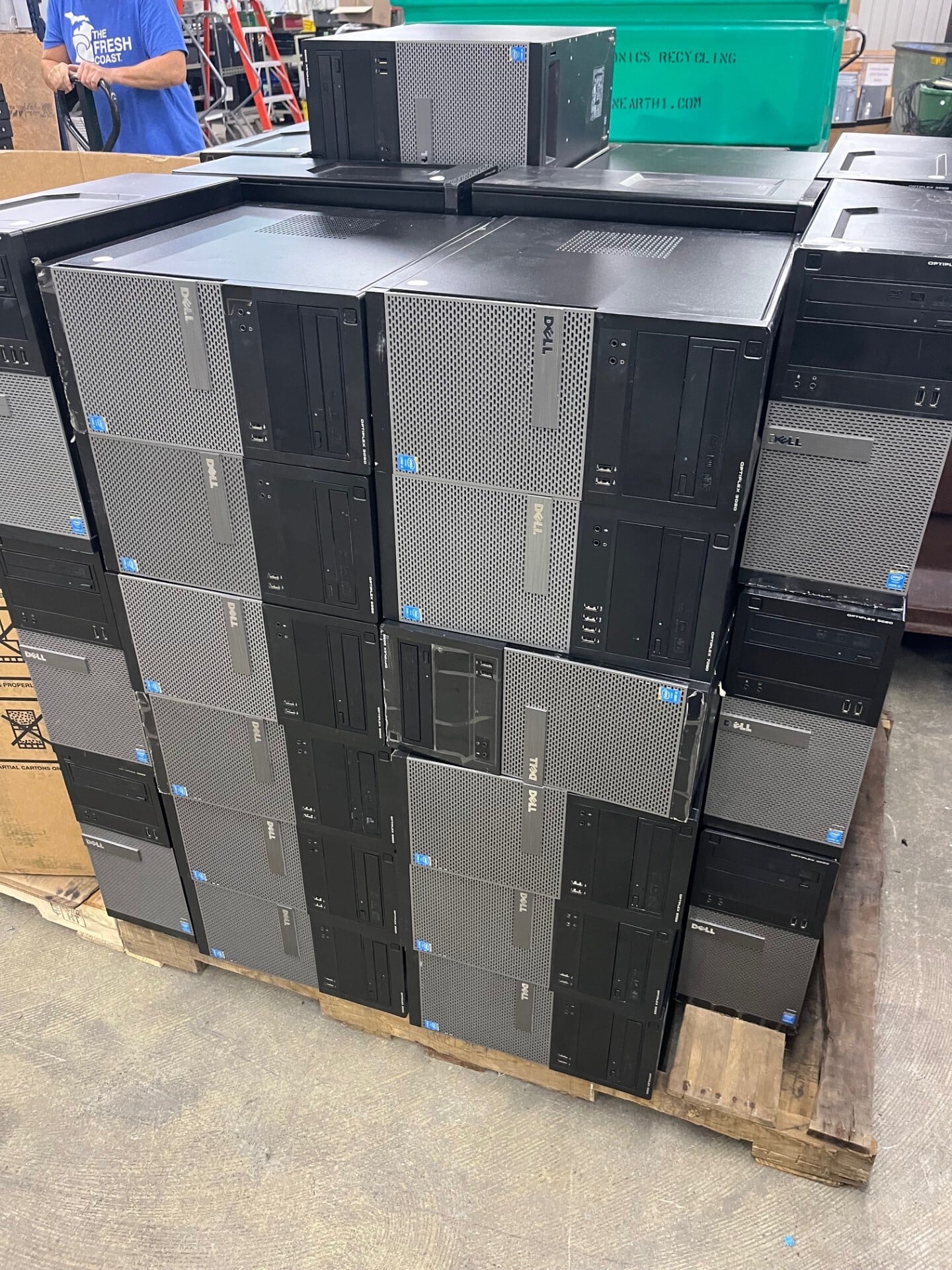
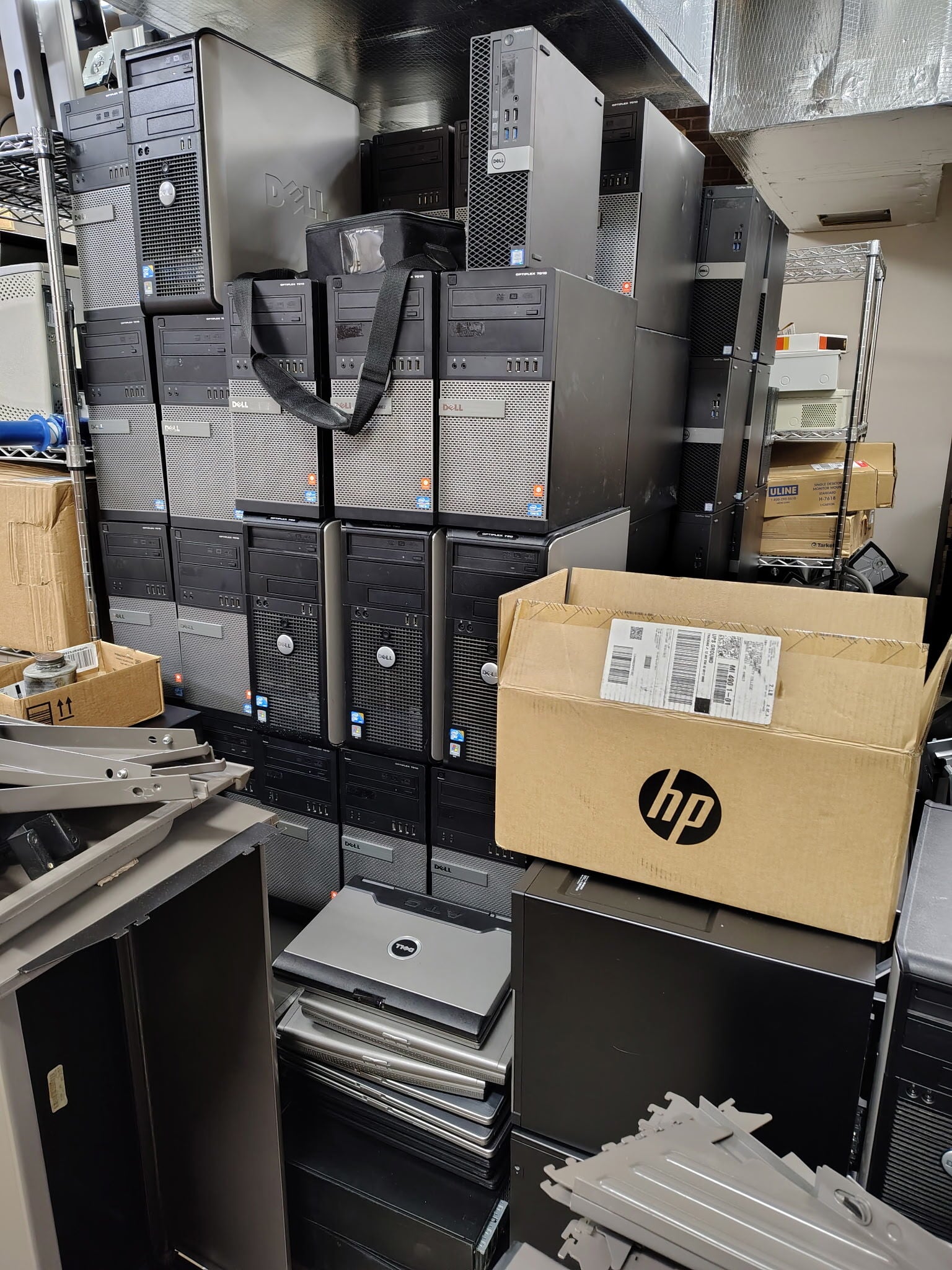
Most IT teams maintain clean asset tracking while devices are in service. Active Directory, MDM, EDR, and your asset management system do a solid job of tracking assets in production. But the moment hardware is retired, control drops off. Old equipment stacks up in closets, disposal rooms, and storage pods with no clear indicator of what has been wiped, delisted, or processed.
IT asset disposal labels are specialized asset labels affixed only when a device is being decommissioned. They are distinct from the everyday asset tags used during lifecycle management. Proper labeling systems improve asset visibility and tracking accuracy by surfacing status information physically, right on the device.
Consider a realistic scenario: between 2024 and 2026, many companies migrated from Windows 10 to Windows 11, retiring hundreds of computers. A mid-size company recalled roughly 200 laptops and piled them in a single room. Without labels, the disposal room held devices in mixed states. Some were wiped but not removed from AD. Others had encrypted drives but no verification of data sanitization.
Disposal labels solve this by providing at-a-glance confirmation of critical steps without requiring anyone to log into AD, MDM, or the central ITAM platform. Green Earth standardizes these labels so technicians across locations follow the same disposal process and documentation for asset disposition.
How IT Asset Disposal Labels Work In Real IT Rooms
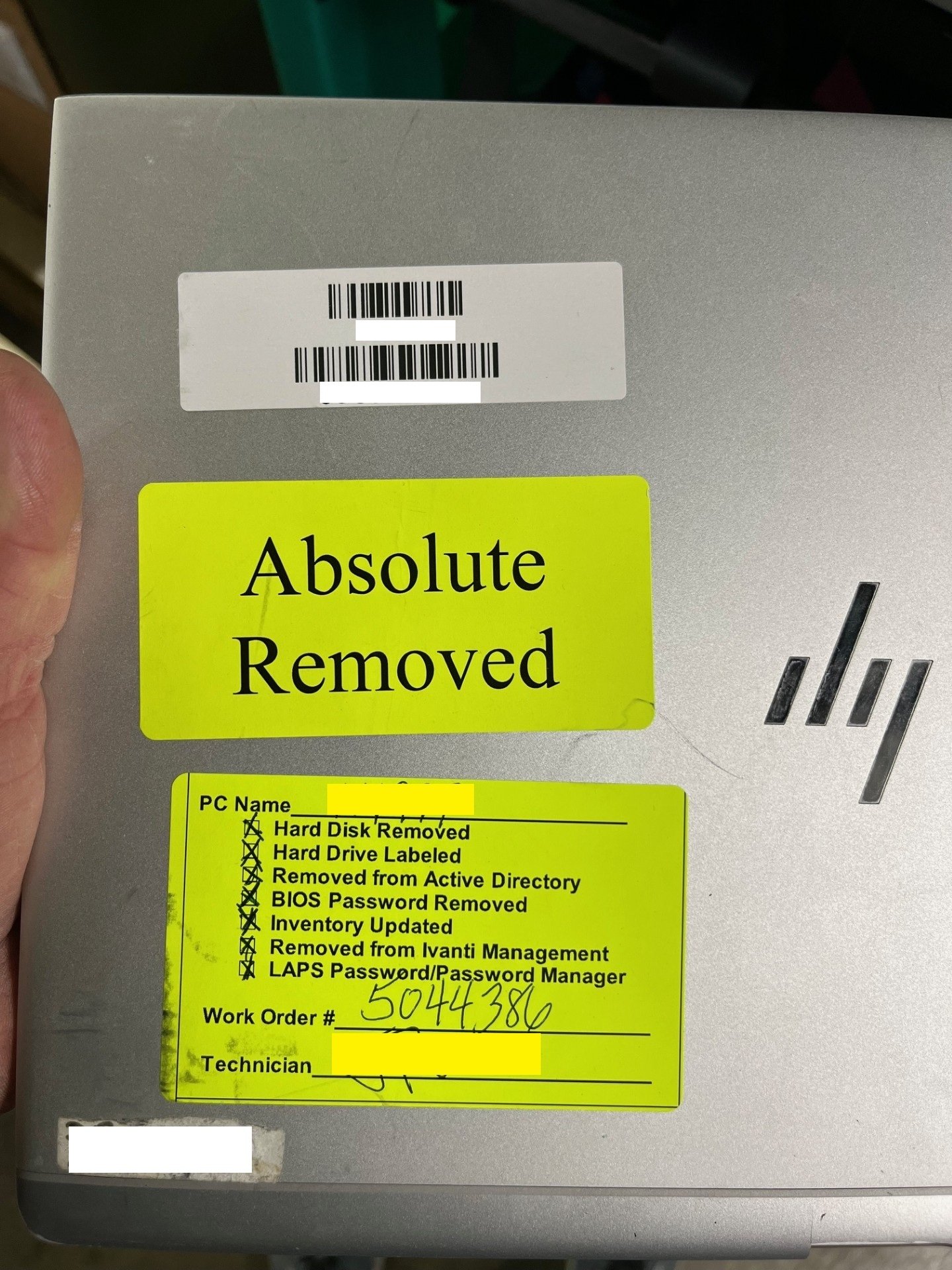
Disposal labels are typically larger labels, around 4.0 x 2.0 inches, with checkboxes and fields filled out by technicians at the moment a device is removed from service. ITAD labels are checklists that help the process of disposition. They're mostly checkboxes and human-readable text since the asset tag on the unit can still remain. Labels link physical devices to IT asset management records, closing the gap between the pile in the room and the digital record in your inventory management tool.
Placement matters. On laptops, labels go on the top cover. On desktops, they go on top of the chassis, where there’s a smooth surface for the label to stick to. On servers, place them on top of the unit. Other placements are fine, too. Some IT departments like to keep tags visible even when equipment is stacked, but that’s a tradeoff, since the front of a unit doesn’t always have a flat surface for the label to stick to. Disposal tags help maintain a secure chain of custody for assets from the moment they're taken off the floor through the point when your ITAD service provider picks up the equipment.
Essential Fields Every IT Asset Disposal Label Should Include
Fields on a disposal label must map directly to the steps technicians actually perform. Inconsistent naming in labels can lead to duplicate records, so standardize field names to match your ITAM platform. Each step of the process should be documented through your internal standard operating procedures.
Five fields are non-negotiable: “Removed from Active Directory,” “Removed from Endpoint Security / EDR,” “BIOS Password Removed,” “Drive Removed or Certified Wiped,” and “Marked Ready for Disposal in ITAM.”
Core IT Asset Disposal Label Fields Options
|
Field |
Purpose |
|
Asset Tag / Serial Number |
Matches the label to the asset record for traceability and audit |
|
Device Type |
Identifies whether it is a laptop, desktop, server, or network device |
|
Date Removed From Production |
Timestamps when decommission started; tracks dwell time |
|
Technician Initials |
Creates accountability for who performed each step |
|
BIOS Password Removed |
Helps so that the ITAD partner you work with can refurbish the units |
|
AD Account Removal Confirmed |
Prevents ghost accounts and security risk |
|
MDM / EDR Agent Removed |
Stops license bleeding on per-seat software subscriptions |
|
Storage Encryption Verified |
Confirms last line of defense if device is lost in transit |
|
Drive Removed or Certified Wiped |
Documents data sanitization method (e.g., NIST 800-88) |
|
Drive Labeled w/ Parent Device Info |
For HIPAA compliant organizations, this is needed if you have a ITAD service provider shred your drives. This ties the drive to the device in their Certificate of Destruction. |
|
ITAM Disposition Status |
Signals internal systems the device is no longer in service |
|
Final Disposition Path / Comments |
Records whether the device goes to recycling, resale, donation, or legal hold |
From Asset Labels To Cost Savings and Risk Reduction
Disposal labels connect physical hardware to software cost controls and data protection policies during asset disposal. A retired device that still appears active in your MDM or EDR console continues to consume per-seat licenses. Using disposal tags can ensure that each individual asset going for recycling has been removed from your systems, therefore not taking up expensive licenses.
Research from Ramp estimated that as much as 50% of software licenses go unused across companies, often tied to devices still registered as active. According to this same report enterprise IT teams waste up to 10% of the total IT budget on unused software. Within educational institutions, there is 47% software waste. A GAO report found that NASA spent approximately $15 million over five years on unused licenses due to devices not being decommissioned properly. Labeled retired equipment allows finance and IT operations to reconcile license counts against actual physical assets, helping your business save money.
Proper labeling supports secure handling and disposal of sensitive data. GDPR and HIPAA protect personally identifiable information during disposal, and failure to document data destruction invites regulatory penalties. In 2022, Morgan Stanley paid $35 million for improper ITAD practices. Data breaches can cost an average of $3.86 million per incident, and 56% of consumers distrust companies with data breach histories. Improper disposal can lead to significant brand reputation damage that outlasts any single fine.
Example Financial and Risk Impacts of Unlabeled Retired IT Assets
|
Issue |
Estimated Consequence |
|
Orphaned EDR / MDM licenses |
Hundreds of dollars per device per month; $100k+ annually for middle sized organizations |
|
Untracked admin accounts in Active Directory |
Security risk, possible intrusion point, audit finding |
|
Unverified data wipe on retired hardware |
Fines under HIPAA, GDPR; reputational harm |
|
Unlogged e-waste disposal |
Environmental law violations; negative ESG reporting |
ITAD helps prevent sensitive data leakage and regulatory fines. Companies face penalties for failing to manage IT asset disposal, and improper IT asset disposal can cost companies millions in fines.
Designing A Simple, Reliable IT Asset Disposal Label Workflow
You do not need to overhaul your entire asset tracking system. Disposal tags are a low-cost tool for tracking expired equipment that layers on top of what you already have. Here is a step-by-step workflow:
- Trigger: hardware refresh cycles, employee offboarding, data center decommissioning, or lease return
- Device intake: bring retired equipment to the disposal room or designated staging area
- Label application: immediately apply a disposal label; no device enters the room unlabeled
- Checkbox completion: technician follows SOPs tied to the checklist and checks off AD removal, MDM/EDR agent removal, drive status, ITAM update, etc. and places in designated area for next step
- Verification: a lead technician reviews completed labels before handoff to an ITAD vendor
- Handoff: labeled devices are picked up by the ITAD partner for final disposition
Store labels next to the intake area so technicians cannot process a retired asset without labeling it.
Provide these same standard operating procedures, label templates, and training so employees at local offices, remote sites, and warehouse teams all follow the right process across multiple sites.
Comparing End-of-Life Label Types to Asset Tags For IT Asset Disposal
Not all labels are created equal. Basic asset tags identify equipment during its useful life, so they must be tamper-proof and tough enough to take a beating. Disposal labels, on the other hand, need to survive stacking and chain-of-custody handling while still being easy to write on. Not all printable labels are made the same. We’ve heard from our healthcare customers that Uline Laser Labels Model S-5048Y are superior to most others. They hold up to heavy use without peeling, and they’re easy to write on. The optional fluorescent colors also help the labels stand out on assets.
Label Types For IT Asset Disposal
|
Label Type |
Durability |
Best Use Case |
Primary Limitation |
|
Basic paper labels |
Low; indoor short-term only |
Temporary inventory; low-cost pilot |
Peels, fades; poor adhesion to metal or plastic |
|
Durable polyester/polycarbonate film |
Moderate to high; 3-5 years |
Disposal rooms, shipping, stacking, outdoor assets and outdoor equipment |
Higher cost per unit; may degrade under extreme heat |
|
Tamper-evident / destructible film |
Shows visible "VOID" pattern if removed |
High-sensitivity servers, regulated data devices |
Hard to reuse; complicates resale; more expensive |
|
Metal / anodized aluminum tags |
Very high; 10+ years |
Extreme environments, long lifecycle infrastructure |
Highest cost; less flexible printing; not ideal for high volumes |
Aligning Disposal Labels With ITAM, ITAD and E-waste Compliance
Disposal labels bridge daily asset management with formal IT asset disposal and e-waste recycling obligations. IT asset labels assist in regulatory compliance and audit readiness. There are hundreds of corporate regulations that govern IT asset disposal, dictate proper ITAD practices, and dictate proper equipment retirement. The Secure E-Waste Export and Recycling Act currently pending in the House restricts e-waste exportation, adding another layer of regulatory requirements.
Label fields should mirror fields in the ITAM system so scanning or manually entering data keeps the digital inventory synchronized with the physical state of retired equipment. During the ITAD process, disposal labels act as visual confirmation that devices leaving a building have been processed and are documented as ready for disposal.
Making sure your organization’s assets have been handled according to your internal SOPs and are ready for disposition means you’re doing your part to protect your company’s information and save valuable resources. Green Earth uses your organization’s existing asset tags to produce audit-ready reporting, including serial number capture and data destruction certificates, and recycles everything in an environmentally responsible way. This approach helps ensure compliance and supports proper ITAD across every location.
Disposal Room Without Labels vs With Standardized IT Asset Disposal Labels
|
Dimension |
Without Disposal Labels |
With Standardized Disposal Labels |
|
Audit Readiness |
Weak: no visible status; certificates vague |
Strong: label IDs mapped to asset records; clear documentation |
|
Data Security |
High risk: unclear wipe status; potential data breaches |
Lower risk: explicit confirmation of data sanitization |
|
License Optimization |
Ghost devices consume per-seat licenses |
Costs trimmed when devices are visibly marked out of service |
|
Technician Clarity |
Mixed practices; steps missed; delays |
Clear checklist per device; professional appearance and consistency |
|
Environmental / ESG Compliance |
No clarity on which devices are ready; weak recycling metrics |
Precise counts; traceability; better sustainability goals reporting |
Download or Sample IT Asset Disposal Label Layout and Checklist
We've borrowed and modified one of our long-time customers disposal label that you can download here: LINK HERE
Below is a text mockup of a disposal label. Use it as a starting point for your own design. Feel free to customize it with your company logo, policy references, and QR links to internal security procedures. Feel free to ask us for help.
Remember, you don't want the label to be too large. The recommended Uline label is 4" x 2.5". It's big enough to be seen, but doesn't need too much real estate. Make the checklist the major priorities for your team, it doesn't have to include every little step along the way. Think 80-20 rule here. Just the most important ones for cost savings and compliance.
|
Label Zone |
Content |
|
Header |
"IT ASSET DISPOSAL LABEL" / Company Name / Label Serial # |
|
Identity Section |
Asset Tag: _ / Serial Number: _ / Device Type: ☐ Laptop ☐ Desktop ☐ Server ☐ Other |
|
Security Section |
☐ Removed from Active Directory / ☐ Removed from MDM / EDR / ☐ Storage Encryption Verified |
|
Data Sanitization |
☐ Drive Removed / ☐ Drive Wiped to NIST 800-88 or equivalent / Method: _ |
|
Disposition Status |
☐ Marked "Ready for Disposal" in ITAM / Final Path: ☐ Recycle ☐ Hold for Reuse ☐ Legal Hold |
|
Sign-off |
Technician Initials: _ / Date: _ / Comments: _ |
The comments field can record special handling notes like "Retain drive for 90 days" or "Legal hold until Q4 2026" to prevent accidental recycling. This level of quality control keeps every device's asset information accurate throughout the disposal process.
Why Green Earth Is The Go-To Partner For IT Asset Disposal
IT asset disposal labels are just one area where Green Earth helps their customers. Green Earth has the expertise to partner with your organization to ensure secure, compliant ITAD and e-waste recycling services across the United States. They can help tailor and implement an ITAD program for your organization.
Their integrated approach covers on-site pickup of IT equipment, serial number capture, data destruction or drive shredding, environmental processing, and final certificates of recycling and destruction mapped back to each device. Companies can recoup value from old IT assets through reuse strategies that Green Earth supports as part of responsible disposal. Proper ITAD practices reduce e-waste and conserve resources, helping your company meet its sustainability goals.
Green Earth's process simplifies audits by trying disposition and recycling efforts back to the serial number or company asset tag into disposition reports and other chain-of-custody records. Visit Green Earth to schedule a consultation, review your existing disposal room practices, define label content, and plan a rollout aligned with compliance and sustainability targets.

Frequently Asked Questions About IT Asset Disposal Labels
How are disposal labels different from my existing asset tags?
Everyday asset tags are applied at acquisition for long-term asset tracking. Disposal labels are applied only at end of life to document security, license, and decommissioning steps. Disposal labels carry workflow checkboxes and dates rather than just IDs or barcodes, so they act as mini checklists on each device. Both labels can coexist on the same device, with the disposal label typically removed or invalidated after final ITAD processing.
Do we need specialized software to use IT asset disposal labels effectively?
No. The recommended Uline S-5048Y label is designed for a laser printer. Disposal labels can start as a simple paper-based control, with technicians manually recording completion dates and initials. That alone reduces risk and confusion.
How many labels should we order, and how long does rollout take?
Don't overbuy. A good number to start with would be the number of devices expected to be retired over the next 8-12 months, accounting for project surges and test runs. Many organizations pilot disposal labels in a single office or data center within 30 days, then expand after refining wording and workflow. Green Earth can assist with forecasting label needs based on refresh cycles, lease returns, and planned hardware modernization projects.
Can disposal labels support remote and hybrid work environments?
Yes. Labels can be shipped in small kits to remote technicians or field offices so decommissioned laptops and peripherals are labeled before being mailed to a central hub. Include simple one-page instructions and QR-linked videos that show remote employees exactly how to complete each field. Green Earth can coordinate return shipping, intake scanning, and downstream ITAD once labeled devices arrive at consolidation points.
How do disposal labels help our organization save money?
Disposal labels are an investment with a quick ROI. The cost of 800 labels is around $42. Depending on the size of your organization, your SaaS license usage and cost can vary. But the reports above show around 50% waste and underutilization of these licenses. Much of that happens when an asset is disposed of and not taken out of the SaaS system. Look into your own organization's spending on SaaS licenses to determine how much these labels could potentially save your organization.
Additionally, the reduce the risk of fines and remediation for data breaches through end of life disposal. They ensure your team is handling the data safely. Based on an IBM report, in 2026 the worldwide average cost for a data breach was $4.99 million.